Return to Index
Task:
Before you begin this assignment think of something you know about the computer or a software application you use on a regular basis or even maybe how to navigate a web site (such as the Appstate Undergraduate Admission Application). Create a simple story board or detailed outline of what you want to cover. Use your outline or storyboard and your desktop screen video capture software and record yourself teaching us something. This can be as simple as teaching us how to create outlines in Microsoft Word or how to use the library journal search databases. Capture the screen and your narration. Save your work and edit it if necessary to ensure it is no longer than 5 minutes in length. Render (save) your video in to an HTML 5 format. Create a webpage called: desktopcapture.html and insert your HTML 5 video in to the webpage with appropriate descriptions of your work and include a link to a scanned copy of your storyboard or outline. Upload your video, outline/storyboard and webpage to your portfolio. Create a link on your PORTFOLIO INDEX page for this work so I can find it to grade it.
Video:
Outline/Storyboard:
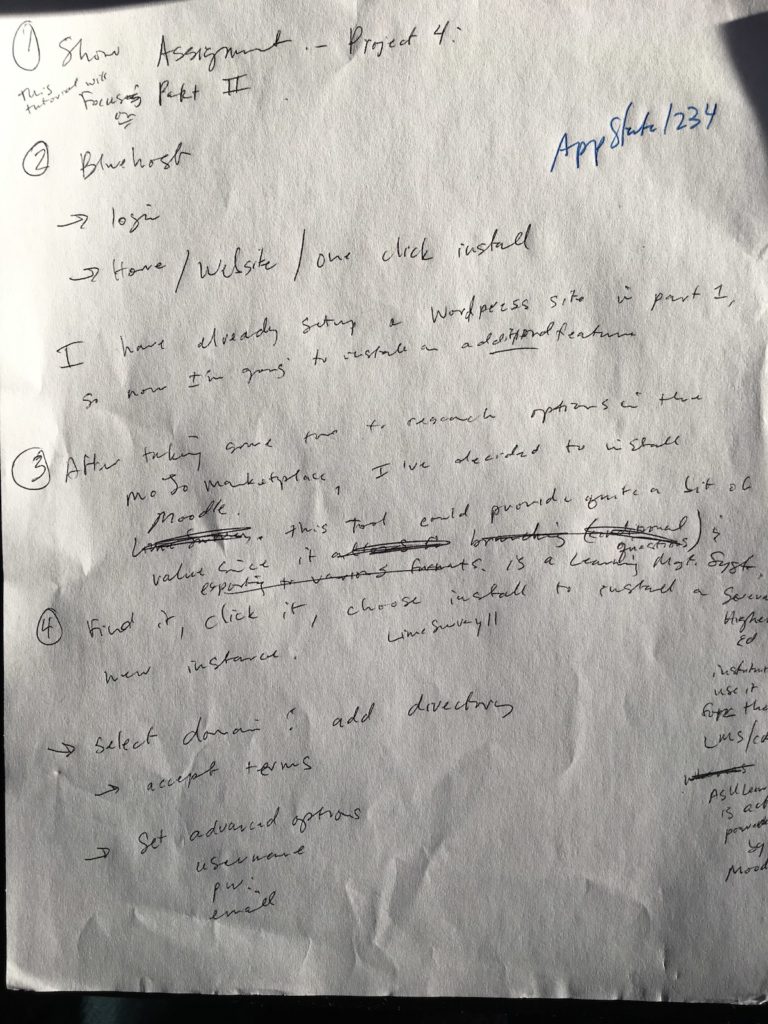
Below is a photo of my handwritten notes/outline/storyboard. I really enjoyed making this tutorial.