Layers/Layering:
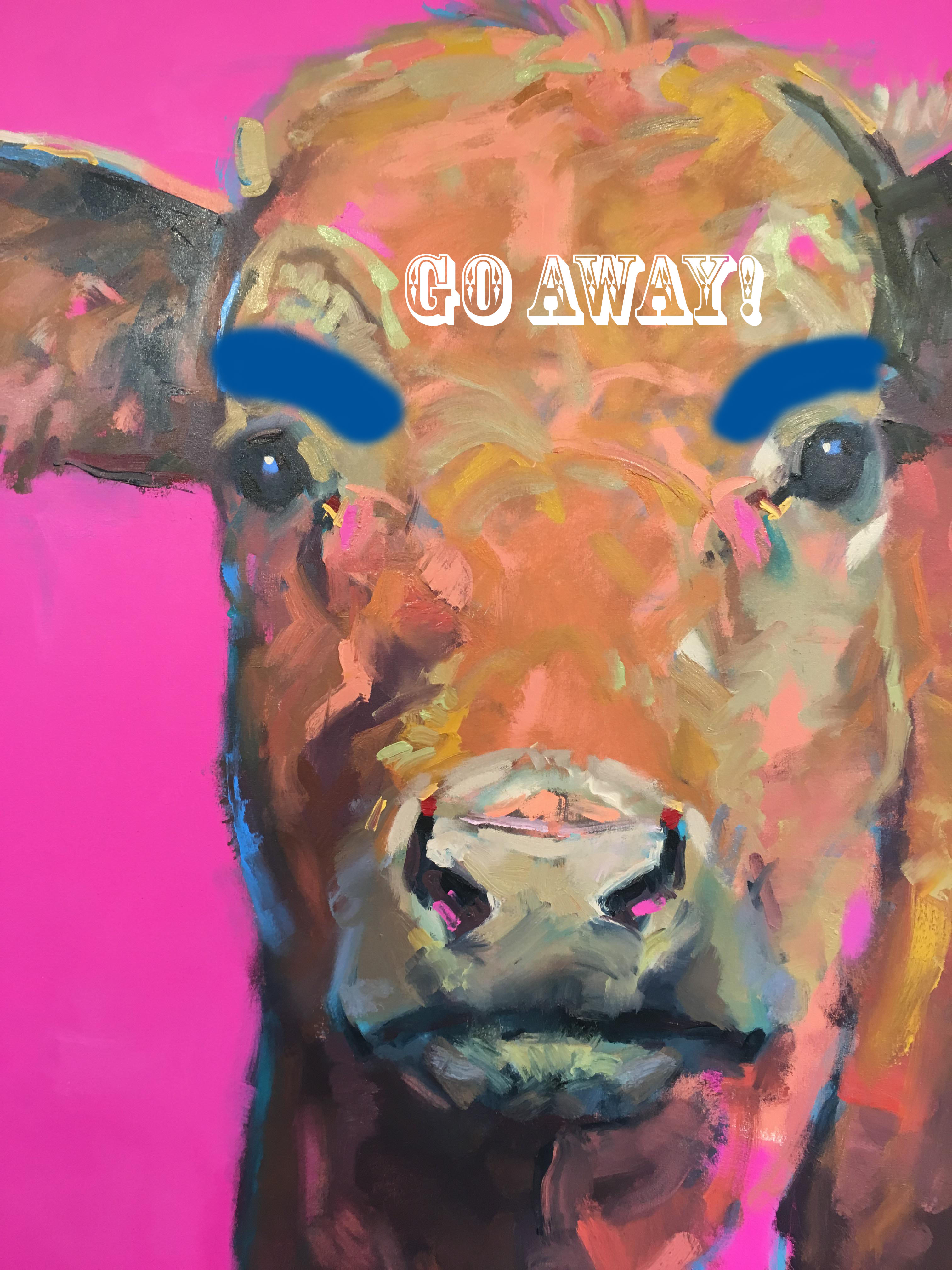
Task: Take one image and add as layers at least 2 additional elements to that image (display 1 images) save in.JPG format.
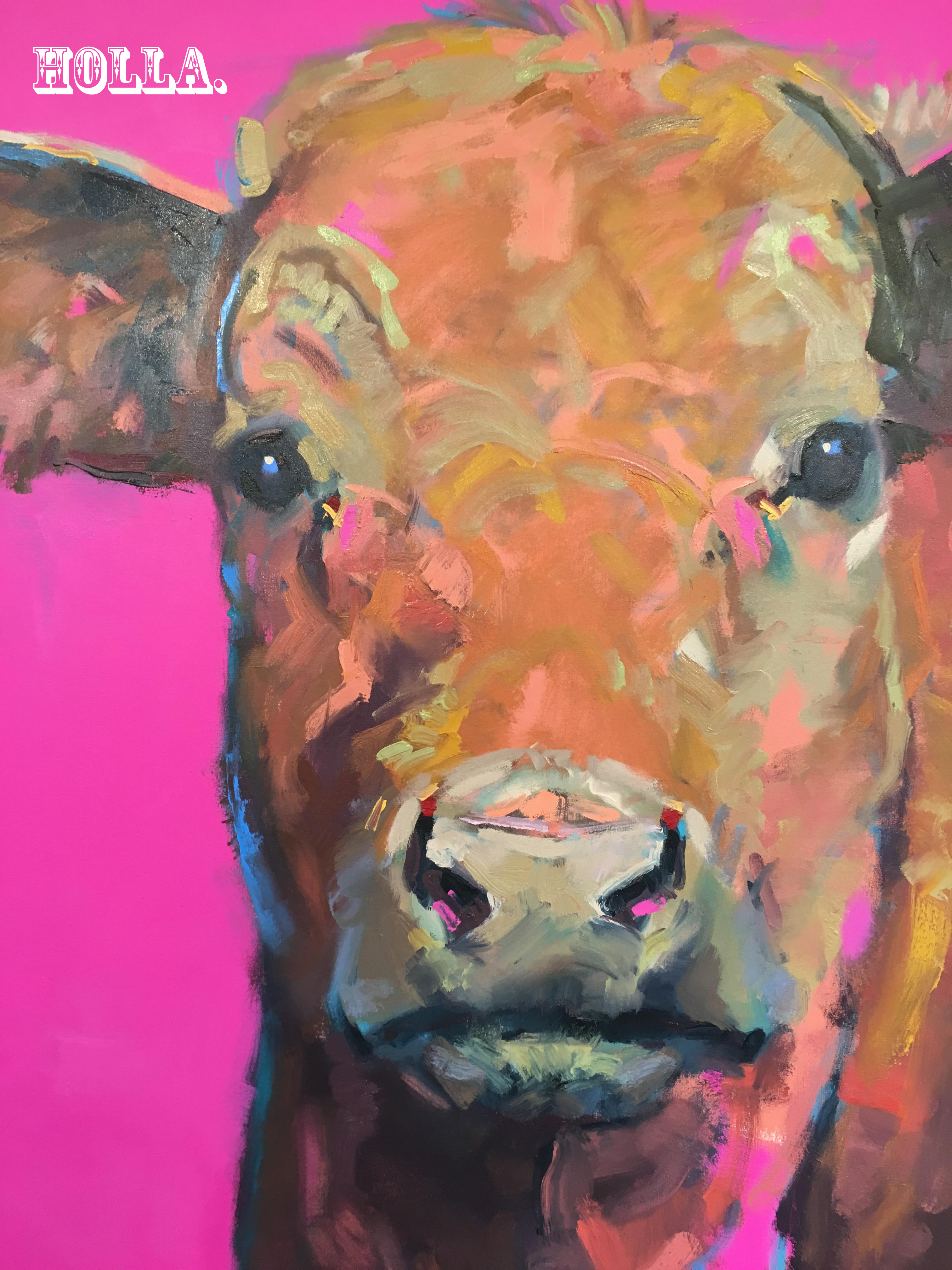
Response: Added 2 layers to photo of cow. Added text layer on forehead and added eyebrow layer.
Filters:
Task: Take one image and create three images from it, with each image demonstrating the application of a filter (display 3 different images, document what filter was applied to each) – save images in .PNG format.
Response: Took an image of my son and wife. Added a black and white filter, added a sepia filter and added an aged photo filter.
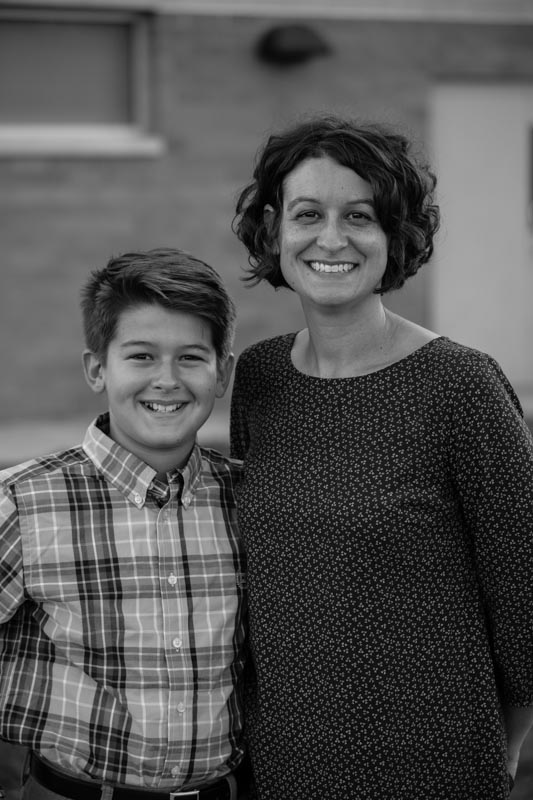

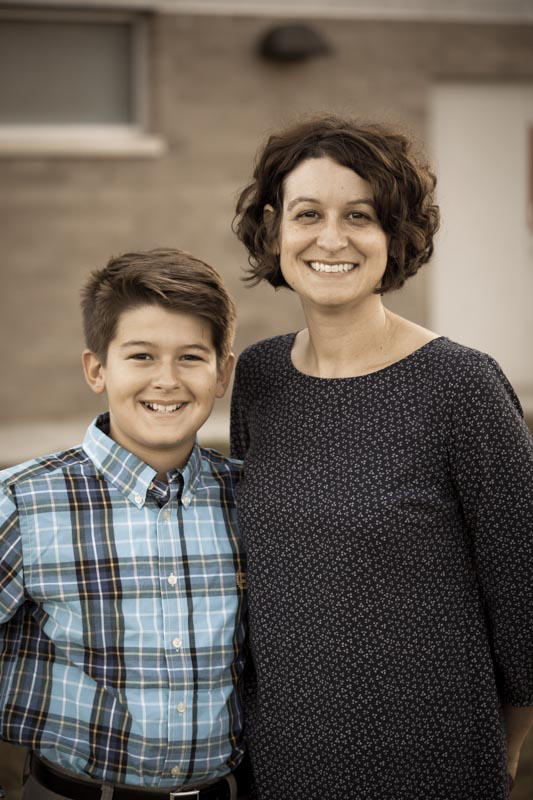
Image Adjustments:
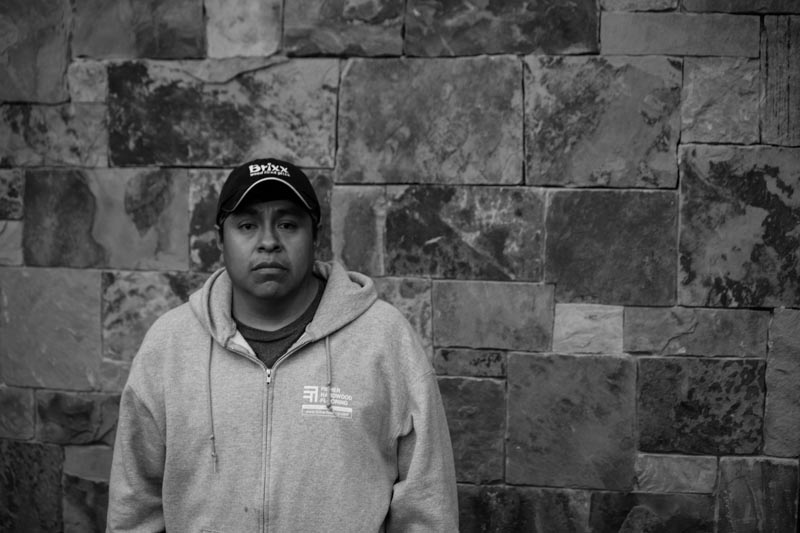
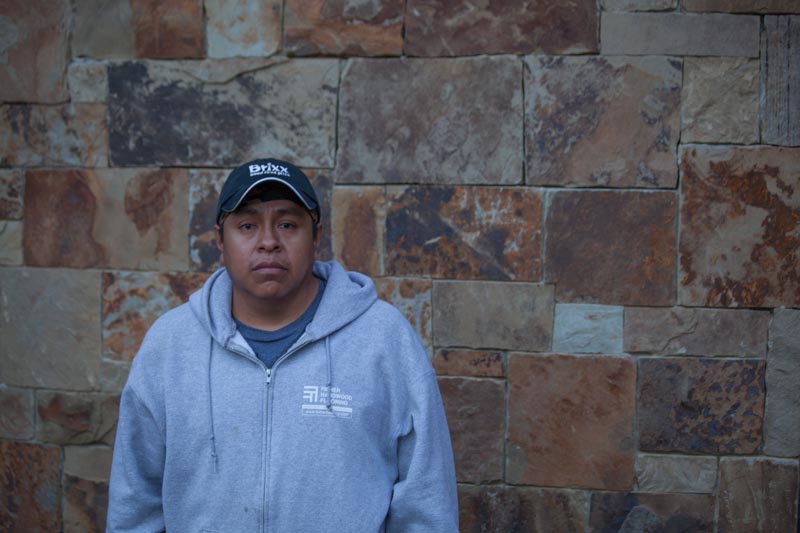
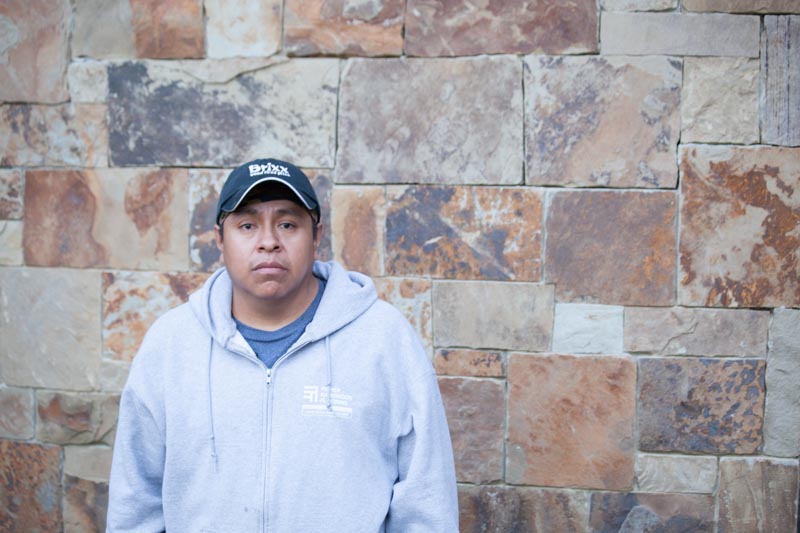
Task: Take one image and create three images from it, with each image demonstrating adjustments made to the image (display 3 different images, document what adjustment was applied to each) – save images in .JPG format.
Response: I took one image and made adjustments. Adjustments were: black and white, removed shadows and increased the exposure.
Resize:
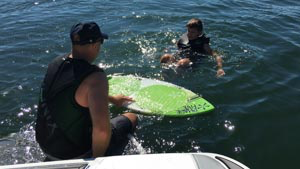
Task: Take one image and create three images from it, with each image a different size of the original. Make the images 150px, 300px, and 500px wide (display 3 different images). save the images in .PNG format
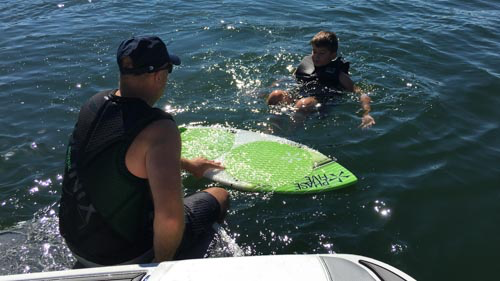
Response: I used a photograph of my son learning how to wake surf. I adjusted the same image to 150px wide, 300px wide and 500px wide.
JPEG Compression:
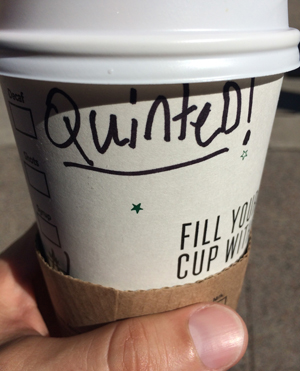
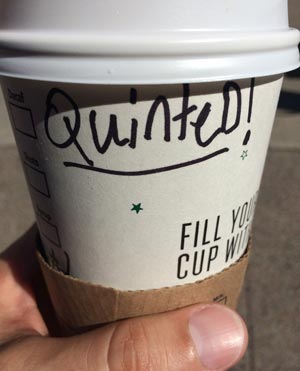
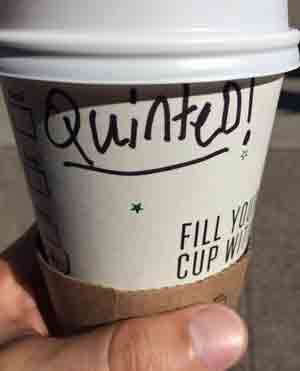
Task: Take one image and save the image using the Save for Web feature three times. Make all images 300px wide. Save the first with NO compression, save the second with 50% compression and save the last with 100% compression, label them accordingly (display 3 different images). Look at the images closely after you compress and post them, can you see the distortion in the most compressed image?
Response: I used an image originally taken on my iPhone and tested compression. The first is with no compression, the second is with 50% compression and the third is 100% compressed. I don’t see a big difference between the image that is not compressed and the one that is 50% compressed. The image that is 100% compressed is definitely grainy. There is a significant file size savings when you move from no compression to 50% compression — the file size changes from 77KB to 18KB. This lower size will help your page load faster and thus make your visitors happier!
Add Text:
Task: Take one image and add text to the image. save the image in the format of your choice (display 1 image).
Response: I took the image of the cow and added the text “Holla.” to it.
Formats:
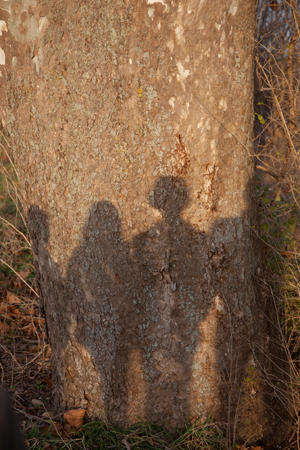
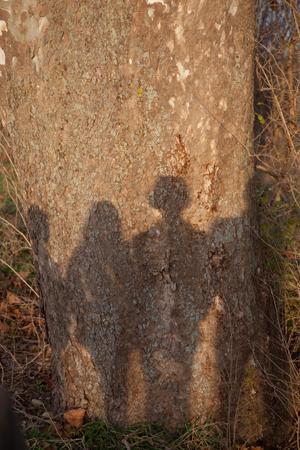
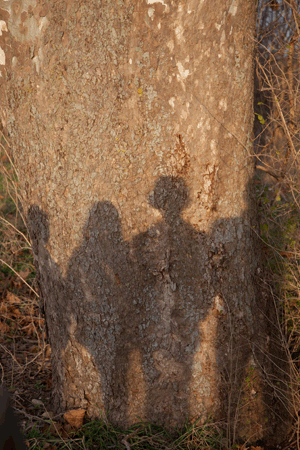
Task: Take one image and resize it to no more than 300px wide. Save the image in the 3 main file formats: .JPG, .PNG and .GIF (display 3 different images), label each and review the differences and include a short narrative of the differences you see with your posted images. GIF will be the biggest difference.
Response: I have to be honest, but I can’t really tell a difference between the different file formats. Perhaps it’s because the image I selected has a lot of texture and it’s not sharp to begin with. That said, the difference is file sizes are: .jpg = 215kb, .png = 285kb, .gif = 125kb.
JPG
PNG
GIF